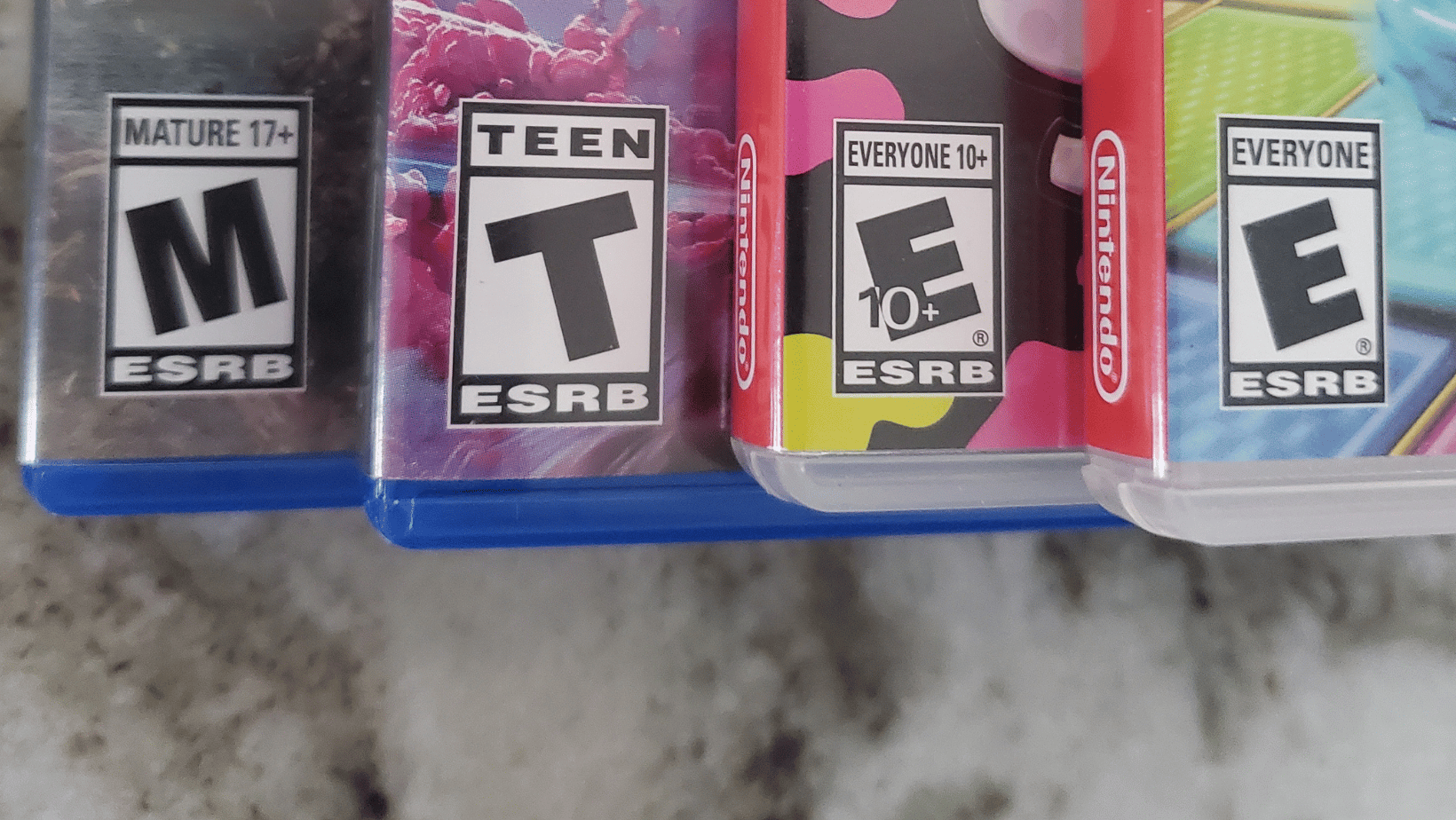
The ESRB Ratings: M, T, E 10+, E
If you’ve ever stood in the video game aisle squinting at a rating symbol on a box (or scrolled past one on a digital storefront without being totally sure what it meant) this is the guide for you.
The ESRB rating system has been on game boxes since 1994. Most parents have seen the letters. Fewer know what each one actually covers, how the ratings get assigned, or what the fine-print content descriptors below the rating mean. By the end of this page, you will.
What is the ESRB?
ESRB stands for Entertainment Software Rating Board. It’s a nonprofit organization founded by the video game industry in 1994 after congressional hearings about violent games prompted concern that the industry needed to regulate itself or face government regulation. The ratings are used in the US, Canada, and (for digital games) Mexico.
The ESRB is self-regulatory, meaning the game industry funds and operates it. That’s worth knowing as a parent: the ESRB is not a government agency, and its ratings aren’t legally binding.
But the system has real practical weight. Console manufacturers require ESRB ratings to sell games on their platforms, major retailers enforce age restrictions on M-rated purchases, and the FTC has called it the strongest self-regulatory code among US media rating systems.
In other words: not law, but not toothless either.
How does a game get rated?
For physical games, a publisher submits a completed questionnaire disclosing all relevant content, along with video footage of gameplay, missions, cutscenes, and the most extreme content in the game. At least three trained ESRB raters review the materials independently and recommend a rating category, content descriptors, and interactive elements labels. Rater identities are kept confidential, and they cannot have any ties to the game industry.
The publisher then accepts the rating or revises the game and resubmits. ESRB also conducts post-release testing to verify that publishers disclosed everything accurately. Withholding content can result in fines of up to $1 million.
For digital and mobile games, ratings are assigned through a streamlined process called IARC, where publishers complete a questionnaire that automatically generates a rating. ESRB monitors these and can adjust ratings if a game’s actual content doesn’t match what was disclosed.
Every ESRB rating, explained
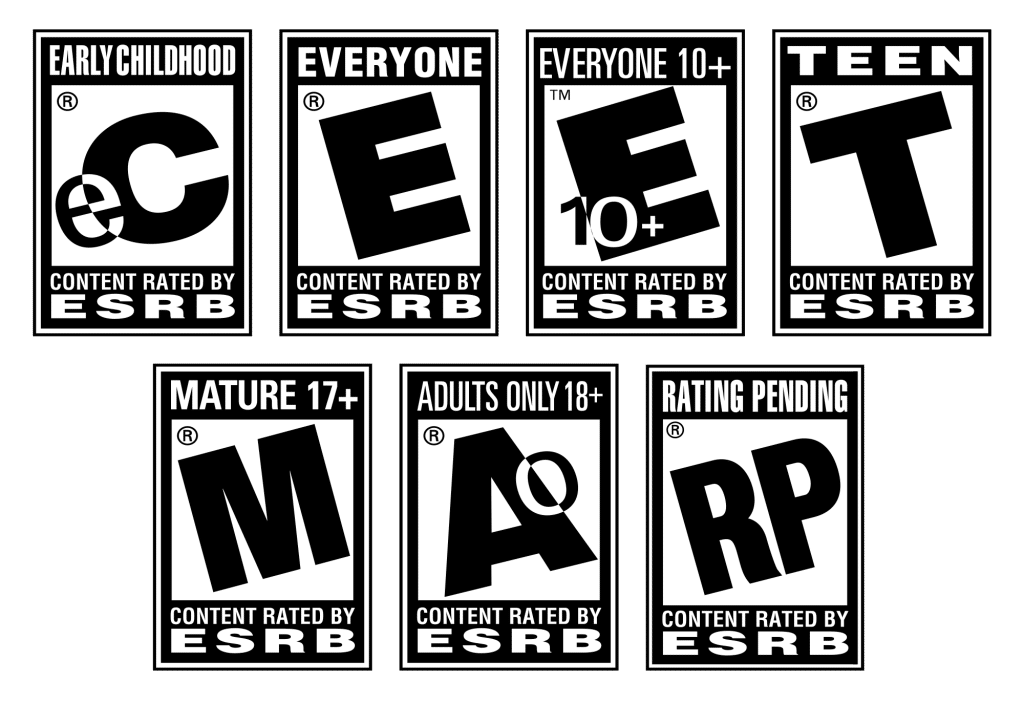
The ESRB uses five active rating categories. Here’s what each one means in plain language, with common examples:
| Rating | Age | What it Means | Examples |
|---|---|---|---|
| E | All Ages | Suitable for everyone. May contain minimal cartoon or fantasy violence, or very mild language. No content a typical parent would object to. | – Super Mario Bros. Wonder – Pokemon Pokopia – Forza Horizon 6 |
| E10+ | Ages 10+ | May contain more cartoon or mild violence, mild language, or minimal suggestive themes. A step up from E but still broadly family-friendly. | – Legend of Zelda: Breath – of the Wild – Kirby: Air Riders – Teenage Mutant Ninja Turtles: Tactical Takedown |
| T | Ages 13+ | May contain violence, suggestive themes, crude humor, minimal blood, simulated gambling, or infrequent strong language. The equivalent of a PG-13 film. | – Fortnite – Horizon Zero Dawn – Final Fantasy 7: Remake |
| M | Ages 17+ | May contain intense violence, blood and gore, sexual content, or strong language. The equivalent of an R-rated film. Most major retailers require ID to purchase. | – GTA 6 – Call of Duty – God of War – Mortal Kombat -Resident Evil |
| AO | Ages 18+ | Adults Only. May include prolonged intense violence, graphic sexual content, or gambling with real currency. Extremely rare — most major consoles refuse to sell AO games. | Never seen at retail, most publishers avoid this rating entirely so far |
There is also a ‘Rating Pending’ (RP) label used in advertising before a rating is finalized, and ‘Rating Pending: Likely Mature’ (RP-M) added in 2021 for games expected to receive an M rating.
One rating worth noting that no longer exists: EC (Early Childhood) was retired in 2018 due to low usage. Games previously categorized as EC now typically fall under the E rating.
What each rating means in practice
E — Everyone
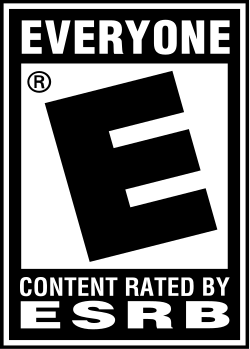
E is the broadest rating and covers the widest range of games. It doesn’t mean ‘designed for young children,’ plenty of E-rated games are aimed at adults. It means there’s nothing in the game a reasonable parent would object to regardless of age. Cartoon violence is common in E-rated games; think Mario stomping Goombas. Mild fantasy conflict is fine. Mature themes, crude humor, and anything stronger than very mild language are not.
A lot of Nintendo first-party games land here. So do many sports games, puzzle games, and casual titles. If a game is rated E, the question for your family is usually going to be about whether the game is FUN vs whether it is safe.
E10+ — Everyone 10 and older
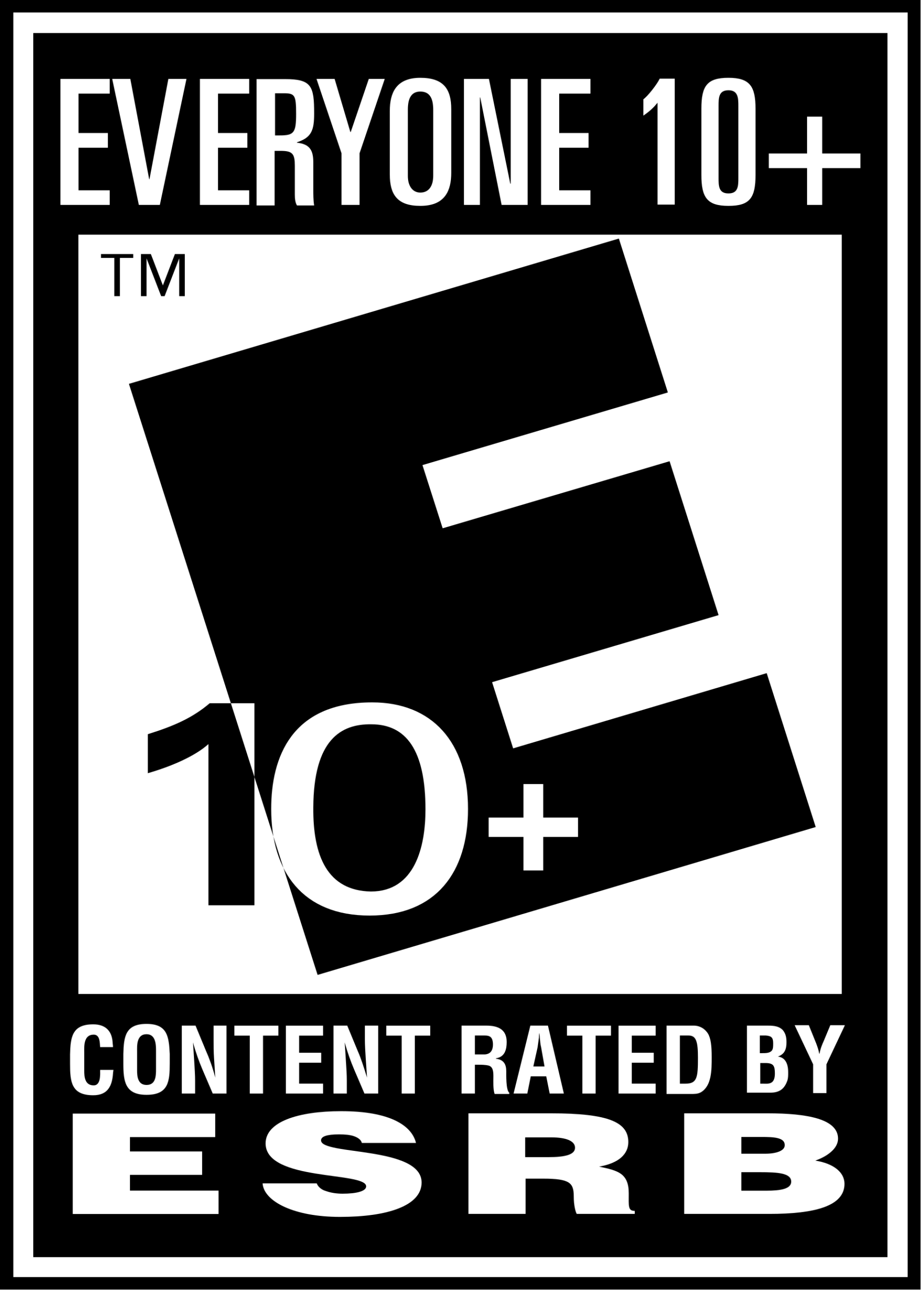
E10+ sits between E and T and is often misread by parents as ‘basically the same as E.’ It’s worth a closer look in some cases though. E10+ allows for more cartoon or mild fantasy violence, mild language, and minimal suggestive themes. In practice, games at this rating often have slightly more intense combat, more complex themes, or humor that skews a bit older.
Minecraft sits at E10+. So does Super Smash Bros. Ultimate. For most kids under 10, E10+ games are probably fine depending on the specific title, but it’s worth checking the content descriptors rather than just trusting the letter.
T — Teen
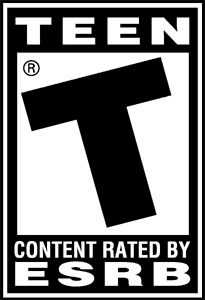
T is the rating that creates the most confusion for parents, because it covers an enormous range. A T-rated game can have moderate violence, suggestive content, crude humor, simulated gambling, or occasional strong language, but the intensity of those elements varies a lot from game to game.
Fortnite is T, but so is Final Fantasy 7: Remake Those are very different games for very different audiences, but they share a rating. This is where reading the content descriptors (discussed below) becomes important. ‘T’ tells you the general territory; the descriptors tell you what’s actually in there.
A reasonable default: T-rated games are intended for teenagers, and the rating is a genuine signal that the content isn’t designed for younger children. Whether your 10-year-old can handle a specific T-rated game is a judgment call, but it should be an informed one.
M — Mature 17+
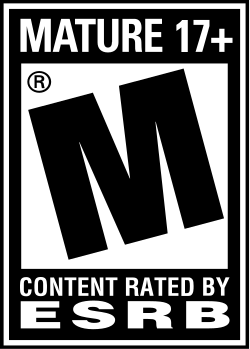
M means what it says. These games are designed for adults and older teens, and they can contain intense violence, blood and gore, sexual content, or strong language. The equivalent of an R-rated movie.
The retail system actually enforces this one: according to the FTC, 87% of kids under 17 are turned away when trying to buy an M-rated game at retail. Unfortunately, digital purchases are FAR more common these days and much easier to circumvent, which is where parental controls on consoles and accounts matter.
GTA V is M. So is Call of Duty, God of War, and most major shooters. These are games made for adults. Whether a mature teenager is ready for them is a conversation worth having, but they’re not family games in any default sense.
AO — Adults Only 18+

AO is effectively a ghost rating in practice. Games rated AO cannot be sold on PlayStation, Xbox, or Nintendo platforms. Most major retailers won’t stock them. Publishers almost always redesign games to avoid an AO rating rather than accept it. You’re unlikely to encounter AO games in any mainstream retail or digital context.
Content descriptors: the part most parents skip
Below the rating letter on every game box is a small line of text listing content descriptors. These are specific flags that explain why the game received its rating and what kinds of content are present. This is where the real information lives.
Some common descriptors and what they actually mean:
- Violence: Scenes involving aggressive conflict. Standard for most action games.
- Intense Violence: Graphic, realistic depictions of physical conflict. May include blood, gore, weapons, and depictions of death. This is the flag that separates a T from an M in many cases.
- Cartoon Violence: Violent actions involving cartoon-like characters or situations. Characters are typically unharmed in a way that’s clearly fictional. Mario games carry this.
- Fantasy Violence: Violence of a fantasy nature involving non-realistic characters. Common in RPGs and action-adventure games.
- Suggestive Themes: Mild to moderate sexual references or depictions. Not explicit, but present.
- Crude Humor: Jokes involving bodily functions, innuendo, or similar content. Common in E10+ and T-rated comedy games.
- Mild Language, Strong Language: Refers to profanity. ‘Mild’ typically means words like ‘damn’ or ‘hell.’ ‘Strong’ includes words most parents wouldn’t want young kids hearing.
- Simulated Gambling: Gambling imagery or activities without real money. Playing poker in a game, for example.
- Real Gambling: Gambling with real currency. Very rare in ESRB-rated games; triggers AO in most cases.
- Use of Drugs, Alcohol, Tobacco: Self-explanatory. Present in some T and M-rated games.
A practical example: two games can both be rated T, but one carries ‘Mild Violence, Comic Mischief’ and another carries ‘Violence, Suggestive Themes, Use of Alcohol.’ Those are very different games. Reading the descriptors takes 10 seconds and tells you far more than the letter alone.
Interactive elements: the “newest” part of the system
Starting in 2018, the ESRB added a third layer to its ratings called Interactive Elements. These flags address online features and monetization rather than content. They appear as small icons alongside the rating.
- Users Interact: The game allows players to interact with other players online. This includes chat, voice communication, and player-created content. Relevant for any online multiplayer game.
- Shares Location: The game may share or display the player’s location.
- Unrestricted Internet: The game may provide unrestricted access to the internet.
- In-Game Purchases: The game offers the option to purchase digital goods or premium content like skins using real money. Added in 2018.
- In-Game Purchases (Includes Random Items): The game includes randomized paid content like loot boxes, gacha pulls, card packs, or similar mechanics where you pay but don’t know exactly what you’ll receive. Added in 2020.
That last one is worth pausing on. The ‘Includes Random Items’ flag is the ESRB’s response to years of parent and lawmaker concern about loot boxes. It doesn’t change the age rating of the game, but it tells you the mechanic is present. A game can be rated E10+ and carry the ‘In-Game Purchases (Includes Random Items)’ label at the same time.
How to find these labels: on a physical game box, they appear as small icons on the back near the rating. On digital storefronts, they’re listed on the game’s product page. You can also look up any game at esrb.org, which includes the full rating summary.
How to actually use ESRB ratings
Ratings are a starting point, not a final answer. Here’s a practical framework for using them:
- Check the rating letter first. If it’s M, that’s a significant signal regardless of what your kid says about it.
- Read the content descriptors. These take 10 seconds and tell you what specifically triggered the rating. ‘Violence’ and ‘Intense Violence’ are not the same thing.
- Check the interactive elements. If you see ‘Users Interact’ or ‘In-Game Purchases (Includes Random Items),’ factor that in separately from the content rating.
- Look up the full rating summary at esrb.org. For many physical games, there’s a written paragraph explaining exactly what content is present and in what context.
- Know your kid. An 11-year-old who handles frightening content calmly is different from one who has nightmares after a tense movie. The rating tells you what’s in the game. Only you know your child.
The ESRB also has a free mobile app that lets you look up any game’s rating quickly. If your kid mentions a game you haven’t heard of, it’s a useful 30-second check before you decide.
What the ESRB doesn’t cover
The rating system was built around content: violence, language, sexual themes, and so on. It does not rate games on the following:
- Online community safety. A game can be rated E and have an online community full of toxic behavior. The ‘Users Interact’ label tells you online play exists, but not what kind of environment it is.
- “Addictive” design. Features like daily login rewards, time-limited events, and streak mechanics that pressure players to return are not covered by the rating. Europe’s PEGI system is moving to address this starting June 2026, the ESRB currently does not. (Addictive is in quotes here because addicting is the most common word in this situation, but Addiction is a clinical concept that has very specific definitions.)
- Gameplay difficulty or frustration. Not an ESRB concern, but worth thinking about for younger kids.
- How much a game costs to play fully. The ‘In-Game Purchases’ label tells you purchases exist but doesn’t indicate how central they are to the experience.
These gaps are real, and they’re worth knowing about. The ESRB is a useful tool, not a complete picture.
How the ESRB compares to other rating systems
If you buy games from overseas, or if your child plays games on PC through platforms like Steam, you may occasionally see ratings from other systems.
PEGI (Pan European Game Information) is used across most of Europe. Its ratings are PEGI 3, 7, 12, 16, and 18. PEGI and ESRB ratings don’t map exactly onto each other. The same game can receive different ratings from each system because they weigh content differently. PEGI has historically been stricter about gambling content, for example.
In March 2026, PEGI announced a significant overhaul of its rating criteria, effective June 2026. Under the new rules, any game with paid loot boxes or gacha mechanics will carry a minimum PEGI 16 rating. Battle passes with expiring rewards will be rated PEGI 12 at a minimum. The ESRB has not announced equivalent changes. For more on what the PEGI announcement means for US families, see our full breakdown.
USK is used in Germany and is generally stricter than both ESRB and PEGI on violence. CERO is the Japanese rating board. For most US families, these are unlikely to come up in everyday game shopping.
Using parental controls alongside ratings
Ratings tell you what’s in a game. Parental controls determine who can access it on your devices. The two work best together.
Every major console has parental control settings that let you restrict games by ESRB rating. You can set parental controls on the Nintendo Switch so that no M-rated game can be launched without a PIN. PlayStation and Xbox have similar tools. Most also let you control spending, screen time, and online communication separately from content ratings.
A few things worth setting up regardless of your kids’ ages:
- Require a password to make any in-game purchase. This one step eliminates most accidental or unauthorized spending.
- Set a content rating ceiling that matches your household rules. If you’ve decided T is the limit for now, lock that in rather than relying on manual checking every time.
- Review online communication settings separately. The ESRB rating doesn’t tell you whether chat is moderated or open.
We have guides for the parental controls for the different consoles linked below:
Nintendo Switch
Nintendo Switch 2
Xbox Series S/X
PlayStation 5
The bottom line
ESRB ratings are a genuinely useful tool when you use all three parts: the rating category, the content descriptors, and the interactive elements. The letter alone is a rough guide. The full label is a real one.
They’re not perfect. Addictive design, online community quality, and real spending costs fall outside what the rating covers. But for evaluating content before a game enters your home, the ESRB system does its job reasonably well — as long as you know how to read it.
When you’re not sure about a specific game, ESRB.org lets you look up the full rating summary in seconds. That’s the most underused part of the whole system, and it’s free.
About The Author