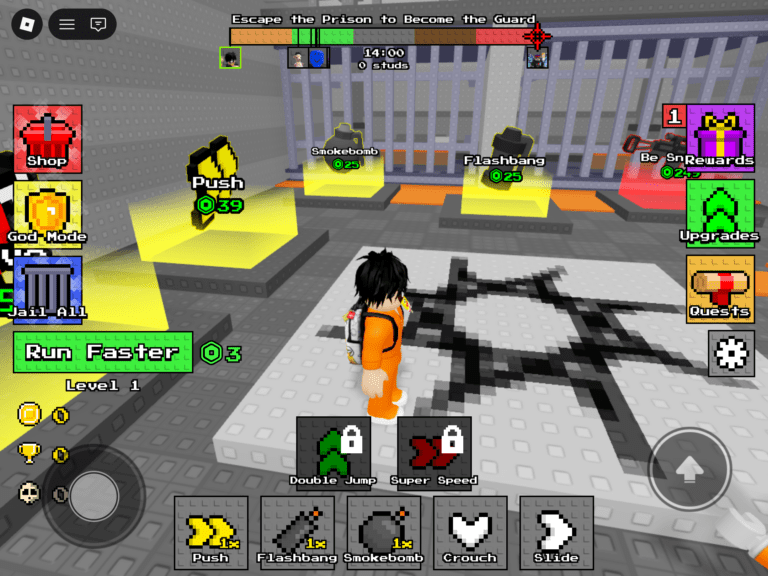
Managing what kids spend on and inside games is tougher than it looks. Many “free” games push skins, battle passes, and virtual currency. The buying flow is not always clear, and small purchases add up fast.
Families also juggle multiple platforms. A child might buy on a console one day, a phone the next, and a PC after that. Gift cards and digital wallets make tracking even harder.
Built-in parental controls help, but they live in different apps and stores and rarely give one clear picture. Enter Lootlock, a digital tool to help set limits, keep spending predictable, and turn spending money on games into a chance to build smart habits.
What is LootLock?
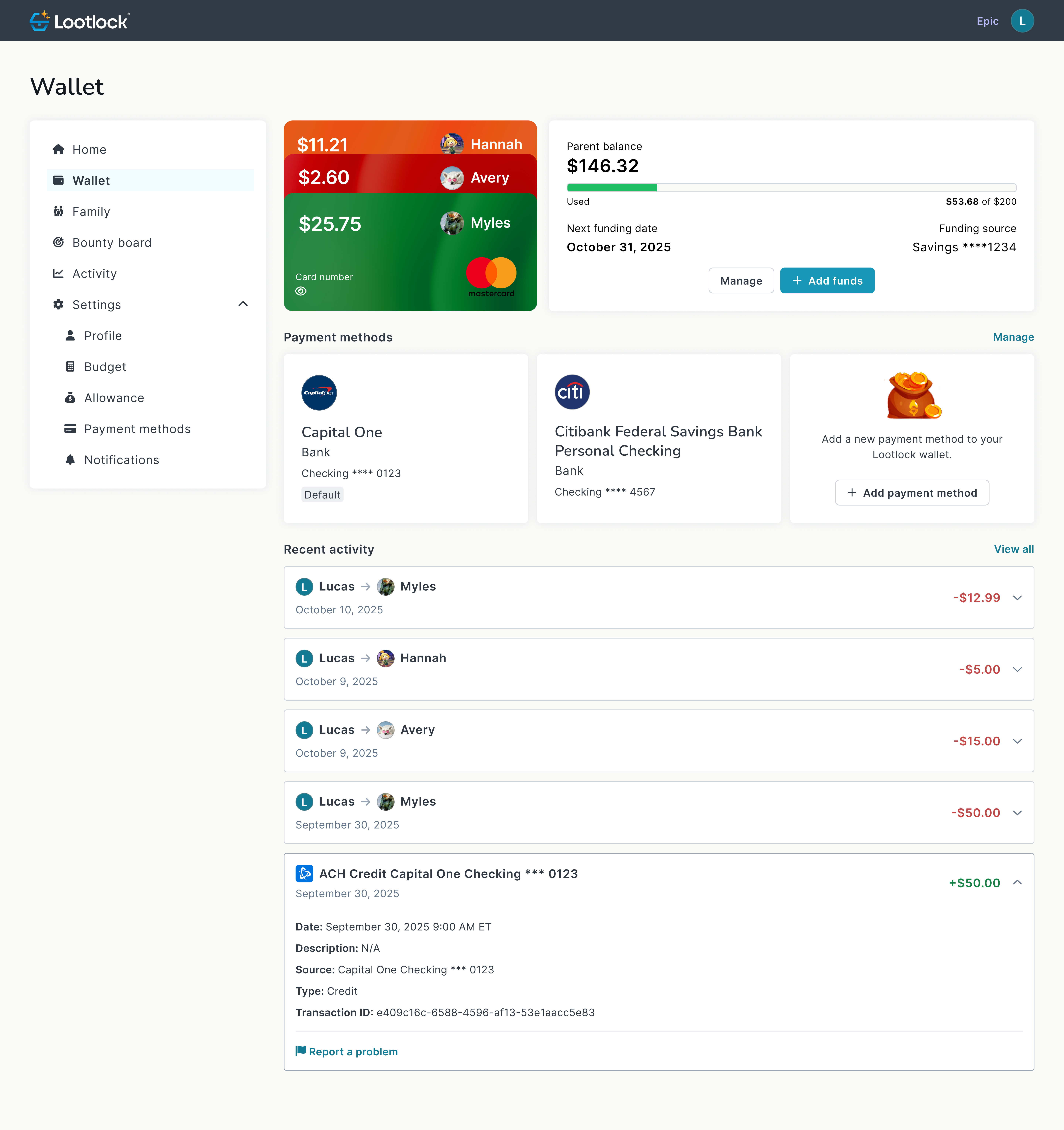
LootLock is a financial tool that is designed for families who have gamer kids. It lets you set a budget for in-game purchases, automate allowances, tie chores to rewards, and review spending by child. It will even let you limit spending to gaming merchants so there are no surprise charges.
Key Features
Lootlock launched earlier this year so many of its features are still in development, but they are being rolled out at regular intervals. Many of the below features are live today, but some may be coming soon depending on when you are reading this article.
Monthly budgeting
Set a monthly limit for each child. There are also plans to implement “by game” budget option on its top tier for even more granular reports.
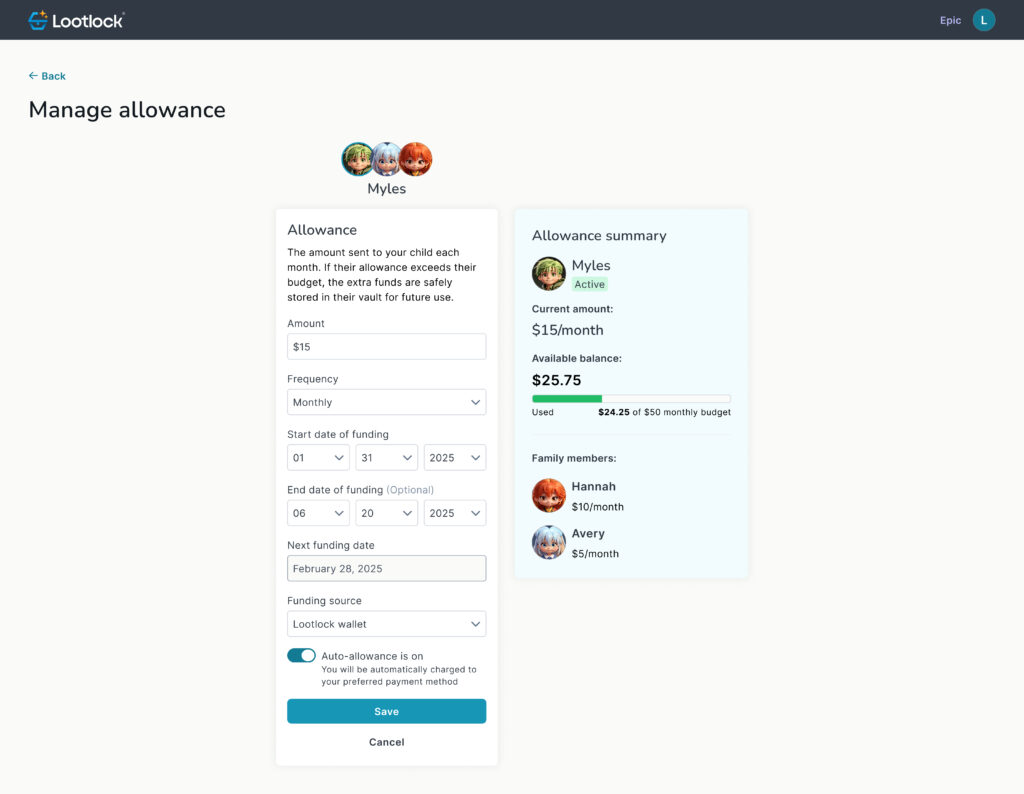
Auto-allowance
All you need to do is pick an amount and a schedule. The money will move into your child’s gaming budget automatically so they learn to plan.
Bounties for chores
Lootlock is a great way to let kids earn extra gaming funds by helping at home. You can create chores that pay out money and in-app “XP” when completed.
Reporting and analytics
The Lootlock service is all about data. It provides detailed reports on what each child spends, where, and when. This will be perfect for finding trends and helping to plan ahead.
Pricing and limits
Lootlock has a free tier for their service, but includes very modest pricing for their paid tiers.
- Common (Free): Up to 2 child profiles, restricted gaming spend, $200 wallet limit.
- Epic ($2 per child): Up to 10 child profiles, request-more-funds, monthly budgeting, analytics, gifting, auto-allowance, bounties, $500 wallet limit.
- Legendary ($4 per child, coming soon): Everything in Epic plus unlimited profiles, budgeting by game, parent game restrictions, more granular controls, and no wallet limits.
Who will get the most value
- Parents of kids who make frequent micro-purchases in live service games
- Families who want one wallet and one dashboard for multiple kids
- Households that already use chores and want a clean way to connect work to digital rewards
How LootLock compares to built-in parental controls
Lootlock isn’t meant to compete with parental controls. It is meant to be used alongside them.
Parental controls on consoles, PC storefronts, and mobile can block or require approval for purchases. This is a great way to help limit unapproved spending. Use them!
LootLock supplements those controls by adding cross-platform budgets by child, chore-based payouts, and clear analytics.
The best setup is both: built-in controls plus LootLock.
Bottom line
LootLock gives you practical tools to cap in-game spending and teach money skills at the same time. Budgets, allowance, chores, and reports make it simple to set expectations and stick to them. Pair it with each device’s parental controls for the strongest results.
About The Author